
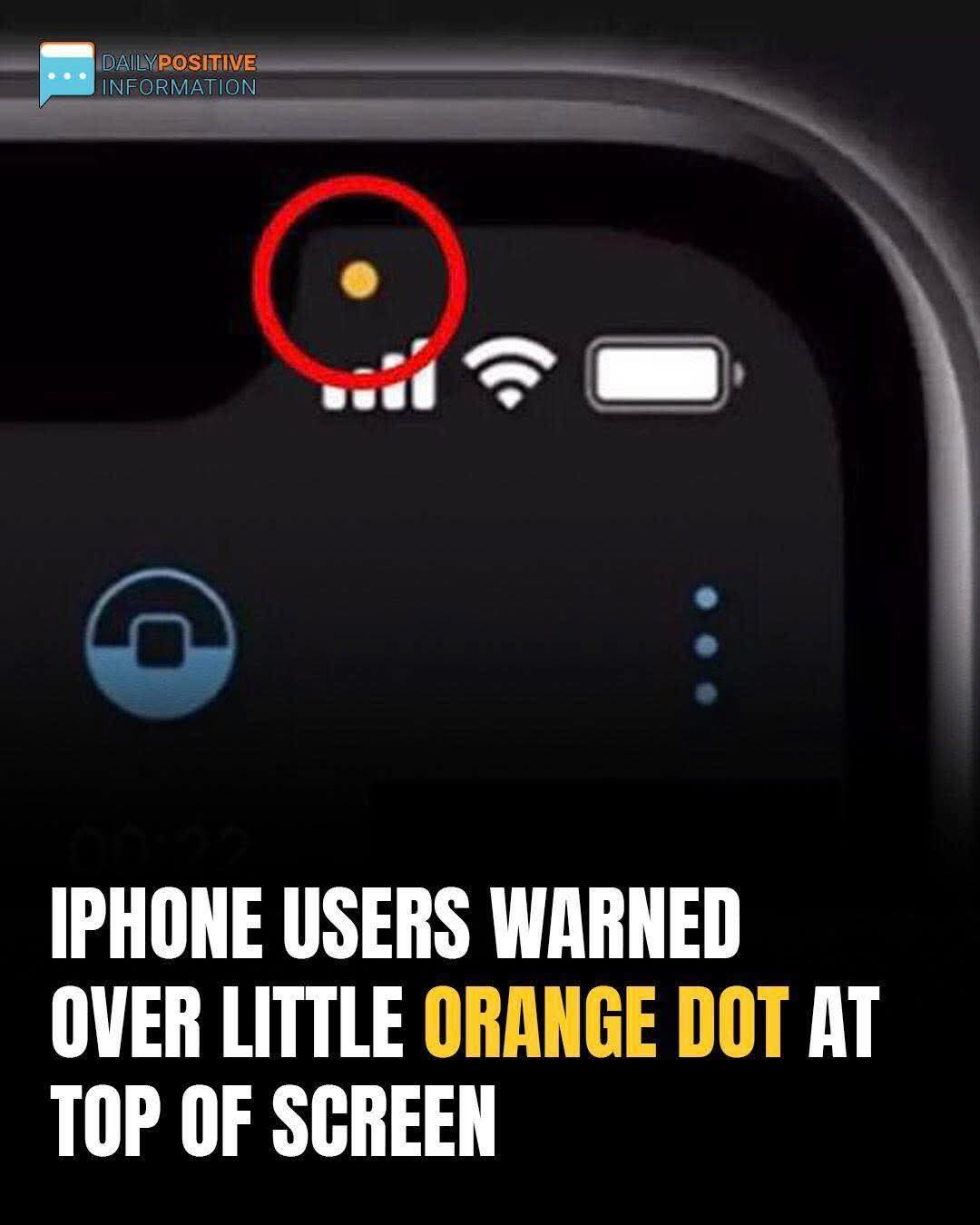
Why iPhone Users Are Concerned About the Orange Dot on Their Screen
Many iPhone users have noticed a small orange dot appearing at the top of their screens and wondered what it means. This feature was introduced by Apple as part of its privacy protection system.
The orange dot is a privacy indicator that appears whenever an app is using your iPhone’s microphone. For example, it may show up when you are making a phone call, recording a voice message, using voice notes, or speaking to Siri.
This feature helps users know exactly when their microphone is active. It prevents apps from secretly listening or recording without the user’s knowledge. When the orange dot appears, it simply means that an app currently has access to the microphone.
There is also a green dot that may appear on the screen. The green dot indicates that an app is using the camera, or sometimes both the camera and the microphone.
If you see the orange dot and are unsure why it’s there, you can open the Control Center to see which app is currently using the microphone. You can also manage app permissions in your privacy settings if you want to restrict access.
In most cases, the orange dot is not a problem. It is simply a helpful reminder designed to protect your privacy and keep you informed about how your device is being used.
